Your next creative breakthrough.
Go beyond the basics with thoughtful, step-by-step workflows. Pick a skill and put it to work on your own footage.
12 tutorials

Cut a clearer talking-head video
Build a focused story from a spoken recording, then give the words room to land.
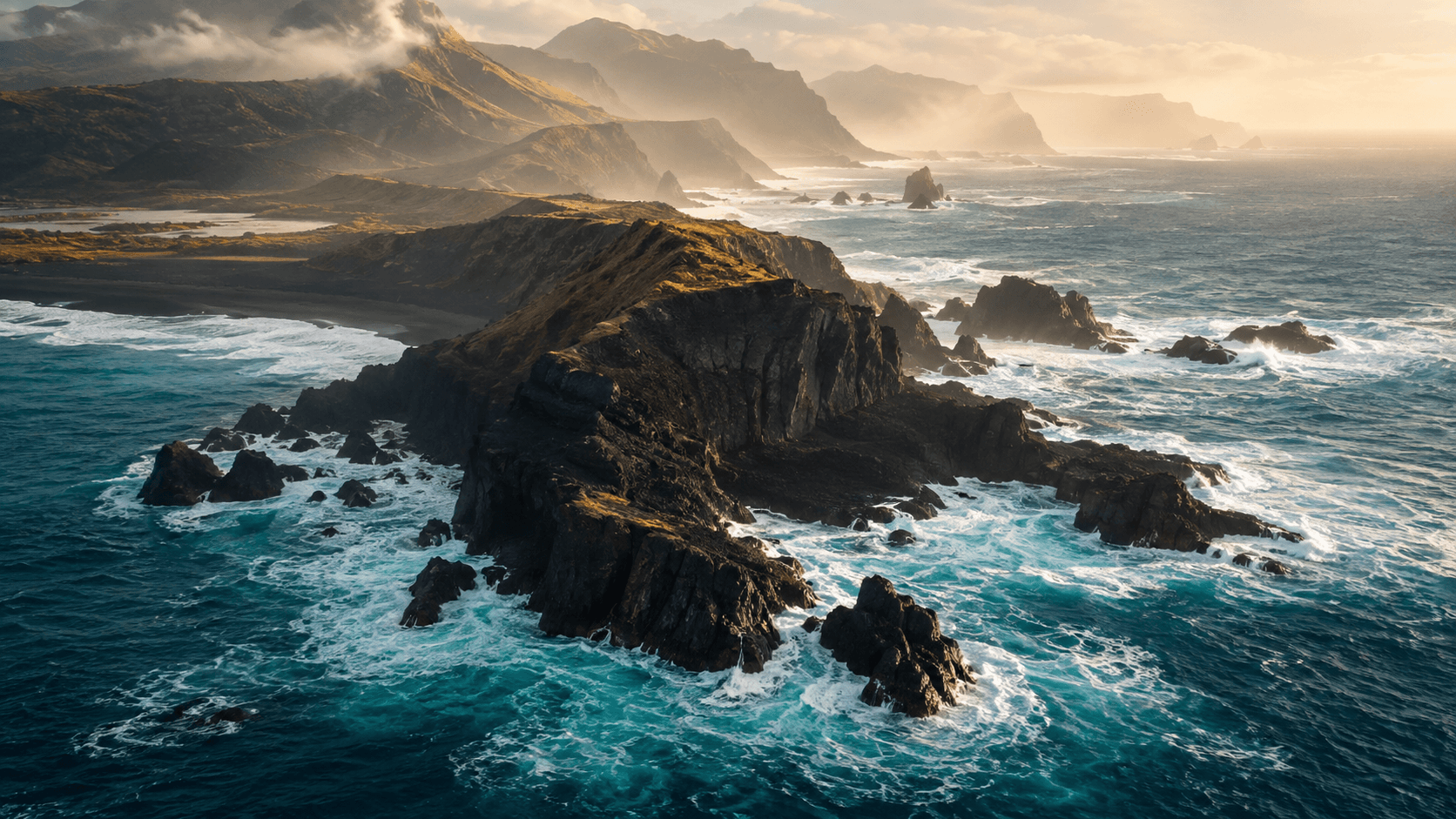
Tell a story with B-roll
Choose images that explain the words and add a second layer to the story.
Make dialogue edits feel natural
Use sound overlaps to connect scenes and soften visible cuts.

Build a cinematic short sequence
Shape a beginning, a progression, and an ending from a handful of images.
Make neighboring shots belong together
Balance exposure and color across a scene before applying a creative look.
Mix dialogue, music, and atmosphere
Build a clear soundtrack from the voice outward.
Create captions that are easy to follow
Turn a reviewed transcript into readable captions for a small screen.
Design a restrained title sequence
Build a consistent title, lower third, and closing credit.
Use speed to shape a moment
Build a purposeful retime and inspect where the effect can break down.
Turn a landscape film into a vertical story
Reframe the picture and typography for a different viewing context.
Prepare a project for another Mac
Collect the edit, preserve source context, and verify the destination.
Deliver a film, captions, and audio stems
Create an organized package and verify each part before handoff.