Everything your story can become.
From the first clip to the finishing touch. Six connected workspaces, built around the way a film comes together.
Find the rhythm. Follow the story.
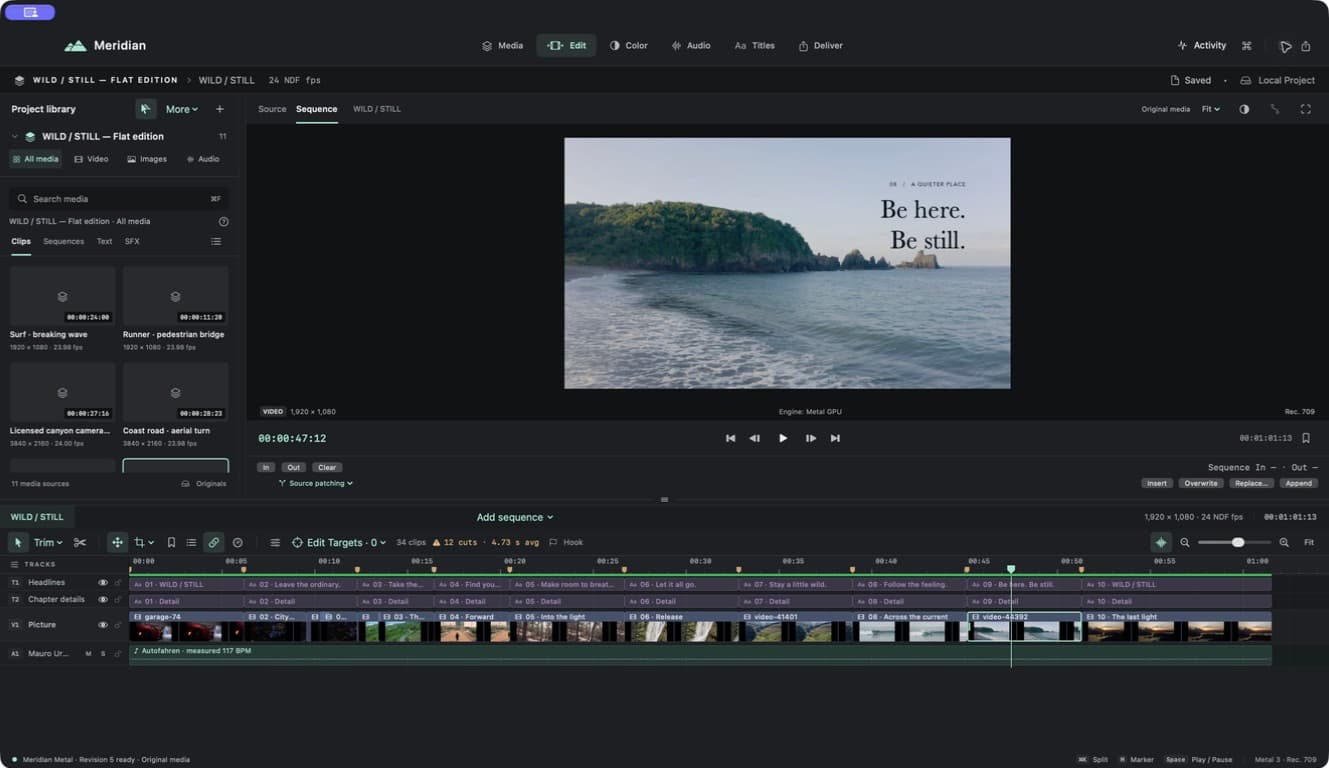
Build a rough cut, then refine the moments between. Source and sequence viewers, magnetic editing, and precise trims keep the edit in your hands.
- Append, insert, overwrite, and frame-level trimming
- Ripple, roll, slip, slide, and split edits
- Retiming, nested sequences, and named versions
Less searching. More discovering.
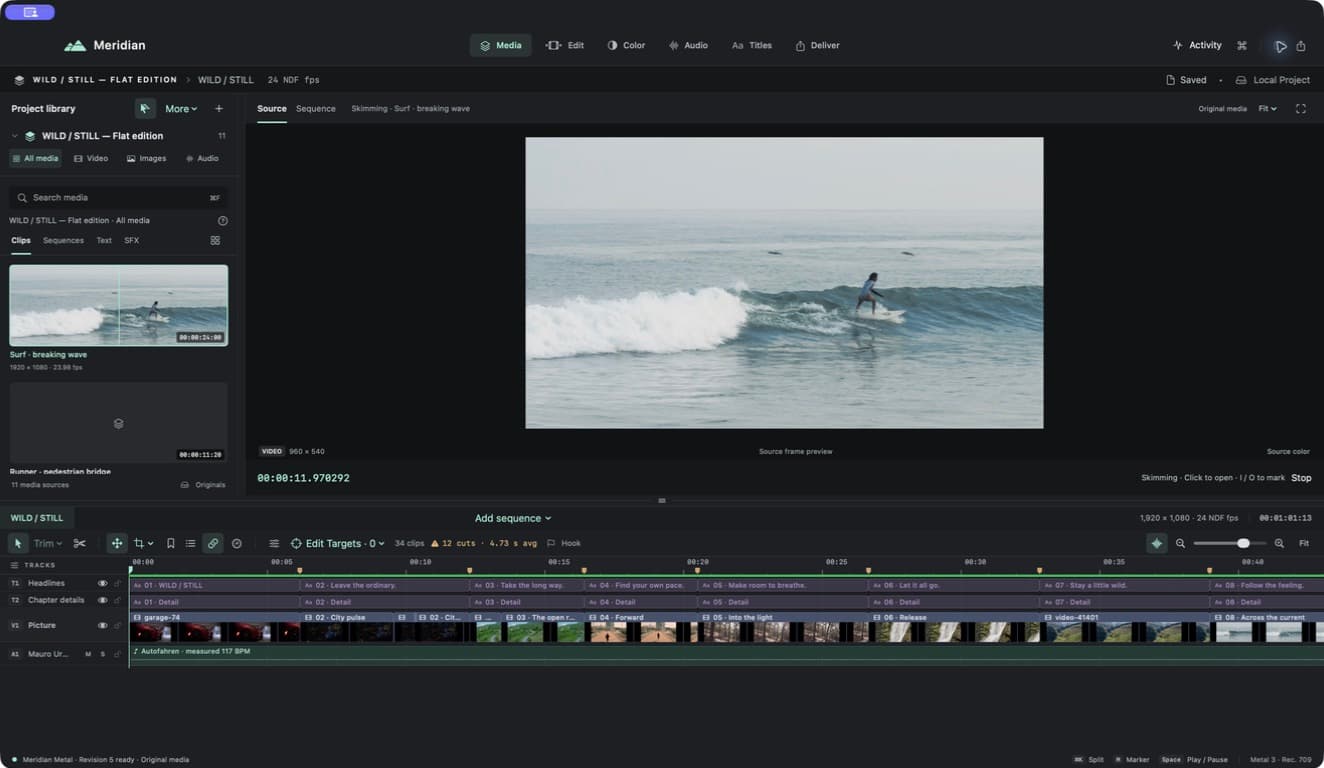
Bring video, sound, and stills into one project library. Find the source you need and keep the relationship between originals and working media clear.
- Source review and marked ranges
- Proxies, optimized media, and original relinking
- Portable project collection
A look with a point of view.
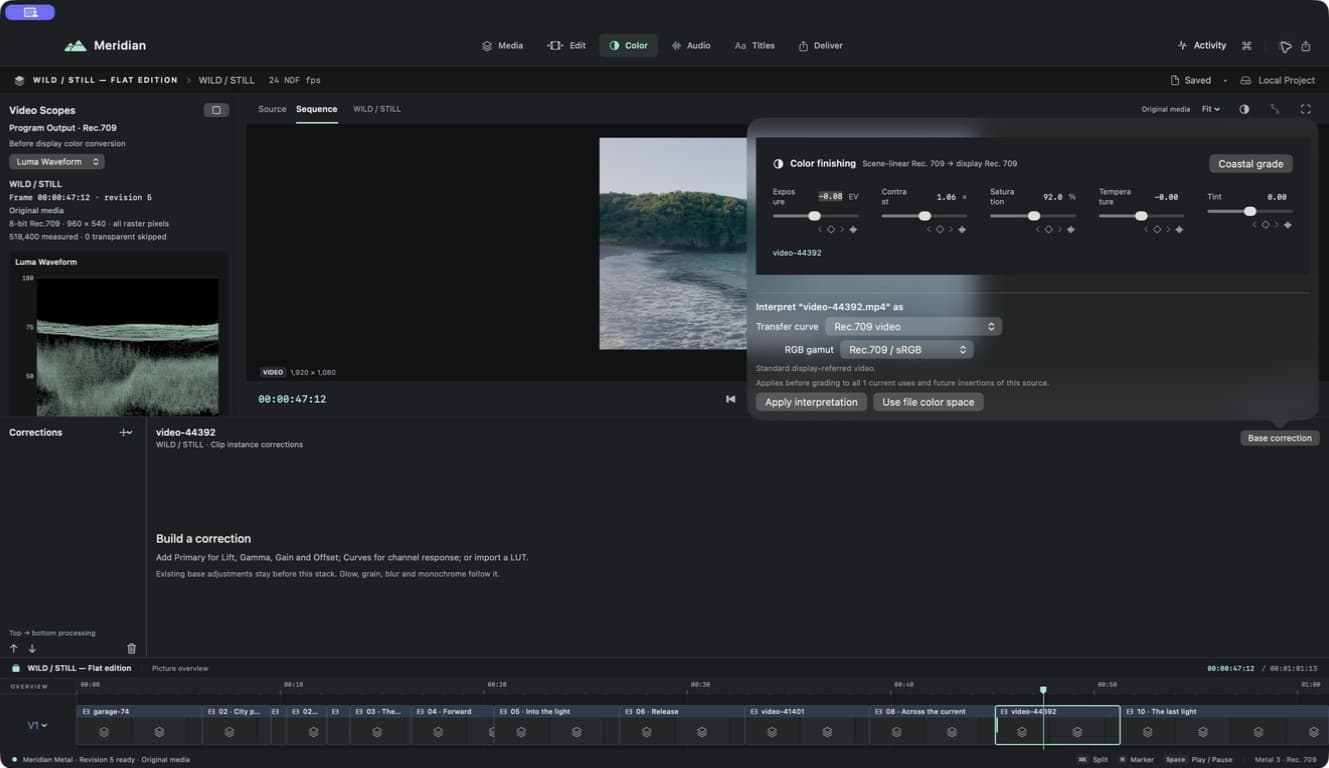
Balance your shots, shape their contrast, and build a coherent visual language. Measured scopes and editable corrections make room for both precision and instinct.
- Primary correction, curves, and LUTs
- Shot matching and secondary adjustments
- Per-operation mix for a more considered look
Give the picture something to feel.
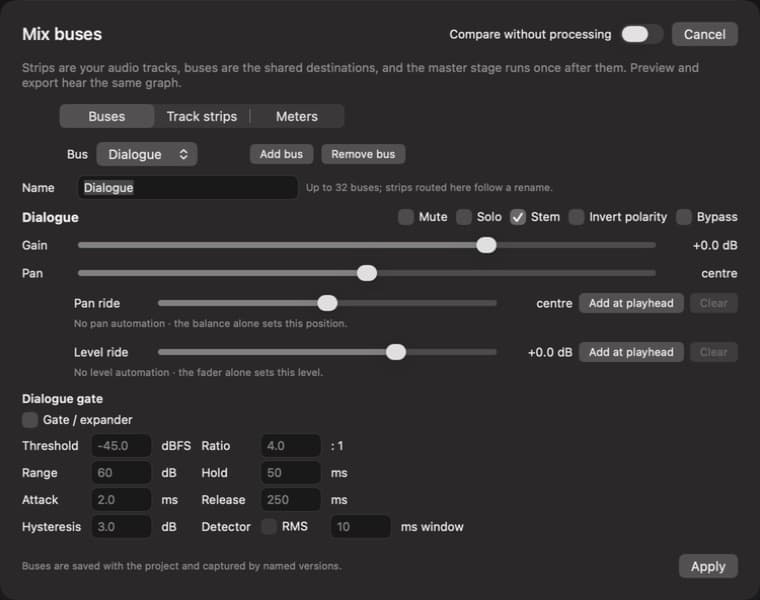
Let dialogue lead, music breathe, and details land. Mix individual tracks, group them into buses, and measure the sound you are actually delivering.
- Clip and track gain, fades, and music ducking
- Bus routing, EQ, dynamics, and automation
- Loudness measurement and audio stems
Say it beautifully. Make it clear.
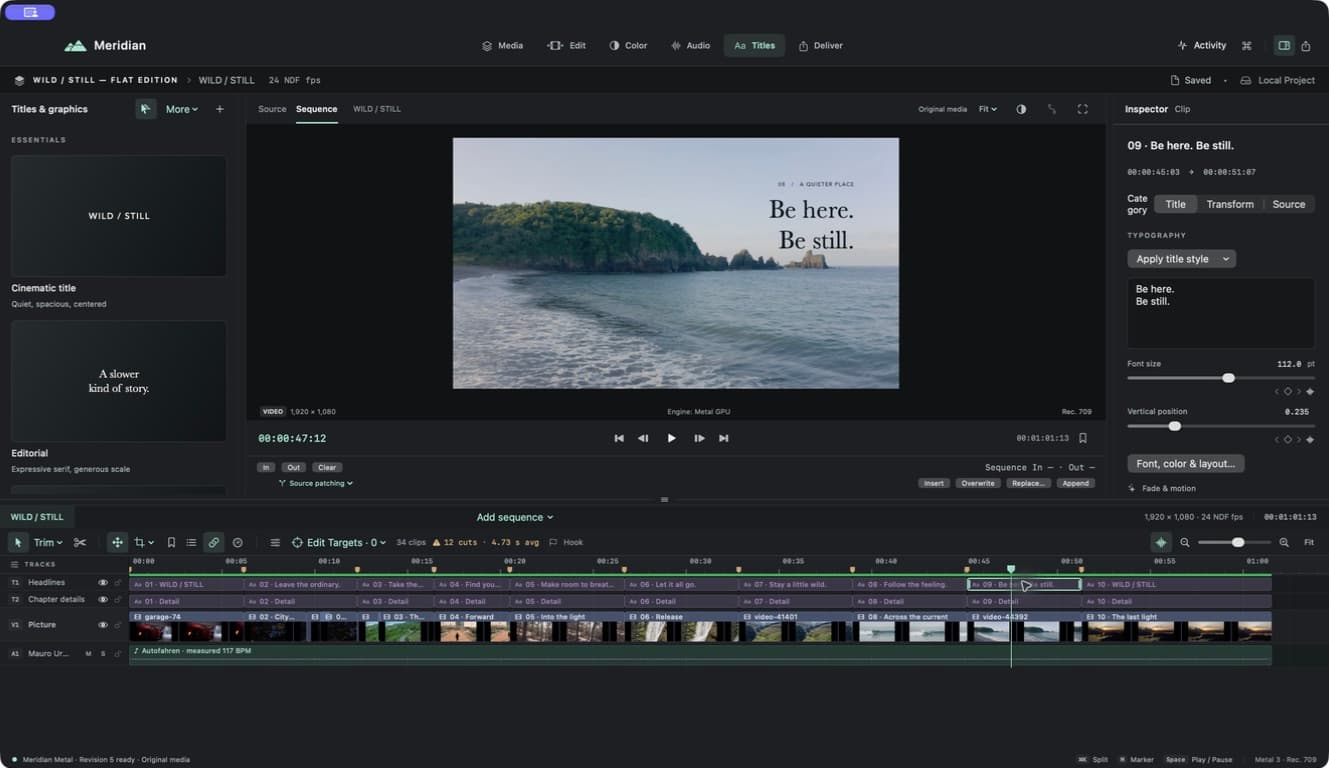
Give your film a typographic voice with editable flat titles. Create and review captions, refine the timing, and choose how the words reach your audience.
- Five flat title presets with font, color, and layout controls
- On-device speech caption generation with review
- Word-by-word styles and subtitle sidecars
Ready for its next destination.
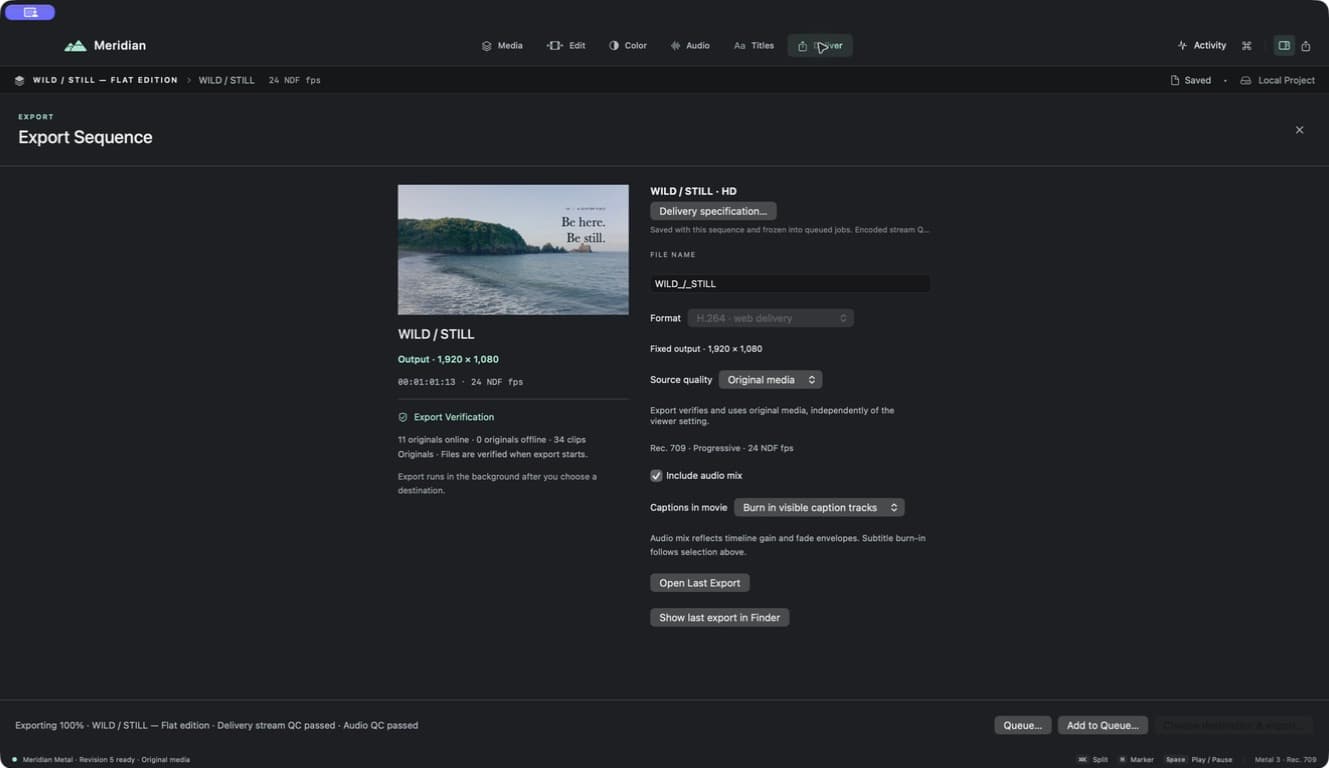
Prepare a web delivery or a master, adapt a sequence for a new canvas, and keep multiple outputs organized in the export queue.
- H.264, HEVC, and ProRes delivery presets
- Independent portrait and alternate-format copies
- Export queue, recovery, and delivery checks
Make your next move.
Currently in development. Public release coming to the Mac App Store.
Coming soon to the Mac App Store