Start with tracks
Open Audio to see the sequence’s audio tracks and their controls. Track gain affects the combined sound on that track. Individual clip gain remains separate, so use clip gain for a local correction and track gain for a broader balance.
Mute and Solo affect playback and export. Return them to the intended mix state after diagnosing a problem.
Use shared processing
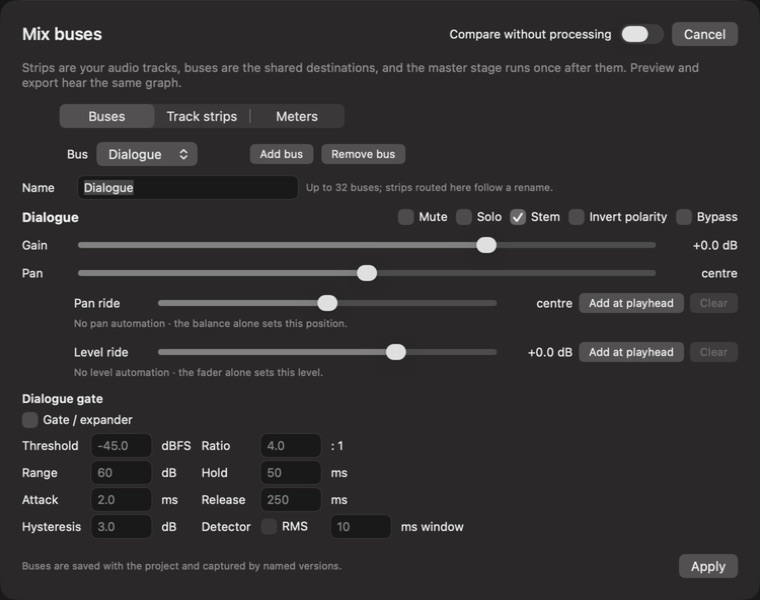
Open Mix buses to inspect track strips, bus destinations, and meters. Buses group signals for shared processing; the master stage runs after them. Check routing before adjusting a processor on a bus that may not carry the intended track.
Listen, then measure
Balance dialogue first when speech is the priority. Add music and effects around it. Use loudness analysis to inspect the complete sequence after the balance is established.
The monitoring route controls where you listen. Delivery settings control the exported mix and stems. If a device disconnects, inspect the monitoring route before concluding that the sequence has lost its audio.